 YundaDesk
WhatsApp support, moved from a phone to a team workspace
WhatsApp customer service software brings every WhatsApp message into one shared inbox, lets AI answer first, and routes hard cases to a human. YundaDesk lets your whole team work from one WhatsApp number, with customer identity merged automatically.
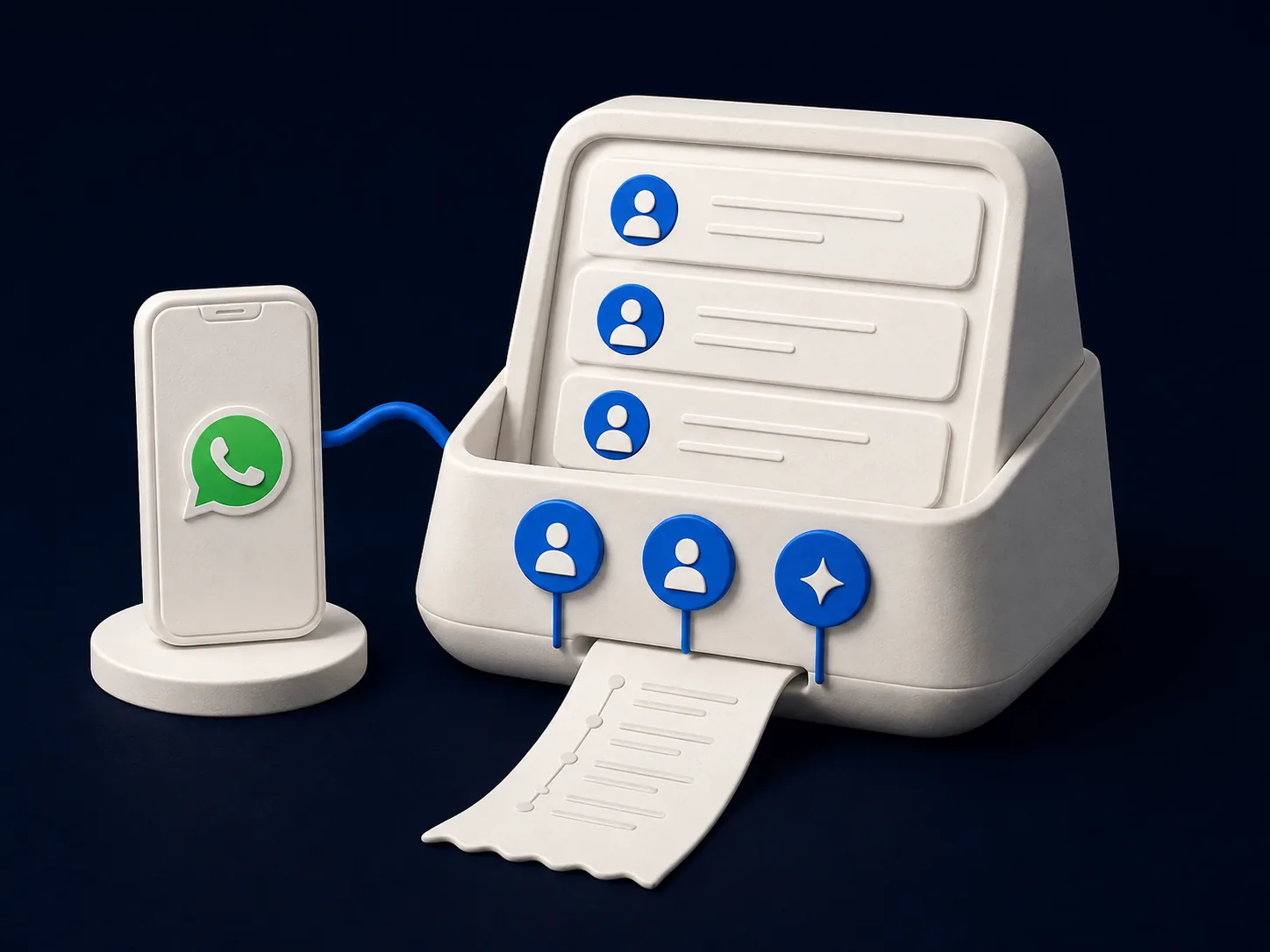
Why WhatsApp customer service software can't just be a phone
One shared number, no clear owner for replies
When the phone gets passed around or several people are logged in at once, customers can get duplicate replies or none at all — it all comes down to who happens to notice.
When an agent leaves, the customer relationship leaves too
Answers to common questions, customer preferences, and unfinished cases mostly live on a personal phone, handed off by word of mouth at best.
During peak traffic, manual replies fall behind
Message volume spikes during promotions or ad pushes, and answering one by one in sequence means replies slow down — and customers who wait too long leave.
Split WhatsApp support into four layers: inbox, AI, identity, and learning
WhatsApp shared team inbox
WhatsApp messages land in one workspace, so the whole team works from one number instead of passing around a phone or screenshots.
AI answers first, on compliant templates
AI handles high-frequency questions first, and proactive outreach uses approved template messages — no overreach, no spam.
Identity merges automatically
When the same customer reaches out again on WhatsApp, the website, or email, they're recognized as one person, so agents skip the repeat questions.
A learning loop that keeps improving
Human follow-up answers become learning suggestions. Once confirmed, they turn into revertible AI skills that resolve similar questions automatically next time.
What your team gets once WhatsApp is connected
Connect and unify your inbox
- WhatsApp Business plus the website widget, custom API, email, Telegram, Messenger, Instagram DM, LINE, Zalo OA, and YouTube — all in one inbox
- Delivery status is visible, so you never have to guess if a message got through
- Replies follow the customer's language automatically, across every channel
AI and the knowledge base
- AI moves through three states — answer first, draft a reply, then hand off to a human — with every step traceable
- Train the knowledge base conversationally, without formatting documents first
- Smart routing and SLA automation send complex conversations to a human
Guardrails and control
- Proactive outreach runs on six guardrails and three modes, so your WhatsApp number never turns into a spam channel
- Refunds, compensation, and price changes always require human approval — AI cannot decide on its own
- The learning loop stays governed: new learning needs confirmation, stays traceable, and can be rolled back in one click
Three steps to connect WhatsApp to your team
Connect WhatsApp Business
Connect your WhatsApp Business number in the workspace, alongside your website widget, email, and other channels in one inbox.
Set up the AI knowledge base and guardrails
Train the knowledge base conversationally, and require human approval for high-risk actions like refunds and compensation.
Invite your team and go live
Invite agents to join. AI answers common questions first, and complex or high-risk conversations route to a human automatically.
WhatsApp support FAQ
What's the difference between a personal WhatsApp number and WhatsApp Business?
A personal number only works on one phone with one person logged in. WhatsApp Business is built for companies — it supports team collaboration, automated replies, and template messages. YundaDesk supports WhatsApp Business, so your team can work from one shared number in a single workspace.
How does WhatsApp support multiple agents on one number?
Once WhatsApp Business is connected to YundaDesk, messages land in one workspace inbox. Multiple agents can see, claim, and reply to conversations on the same number at the same time, with no phone-passing or shared logins required.
Will AI auto-replies violate WhatsApp's rules?
YundaDesk's AI replies follow WhatsApp's conversation window rules, and proactive outreach uses approved template messages with six guardrails and three outreach modes, avoiding the rate limits that come with mass or spammy outreach.
How do I know a message actually reached the customer?
YundaDesk tracks delivery status, so agents and AI can both see whether a message was delivered, instead of waiting on a customer reply to confirm.
How is WhatsApp billed?
WhatsApp is one of YundaDesk's omnichannel connectors. Every plan has unlimited agents, channels, conversations and messages — tiers differ only in AI credit allowance: Free at $0 includes 1,000 a month, Starter at $20 includes 10,000, Pro at $200 includes 100,000, and Enterprise is unlimited, with white label from Starter and the help center on every tier. AI usage draws from the AI credits included in your plan, with no per-conversation surcharge.
WhatsApp support guides
Move WhatsApp from one phone to your whole team
Connect WhatsApp Business, let AI answer high-frequency questions first, keep humans in charge of risky actions, and merge customer identity automatically — so support no longer runs on one person's phone.
